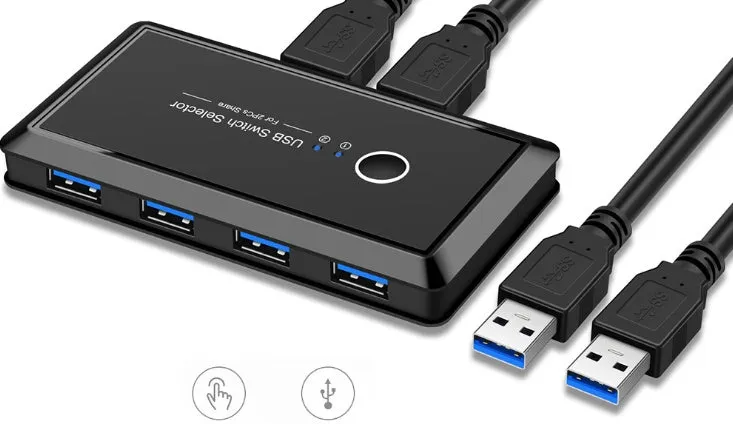
USB Multi-Interface Two-In Four-Out Splitter Switch for Sharing Printer USB Flash Drive Hard Disk Between Two Computers ABS Black USB 3.0 5Gbps Transmission Speed Button Switching


USB Multi-Interface Two-In Four-Out Splitter Switch for Sharing Printer USB Flash Drive Hard Disk Between Two Computers ABS Black USB 3.0 5Gbps Transmission Speed Button Switching
USB Multi-Interface Two-In Four-Out Splitter for Sharing USB Devices Between Computers
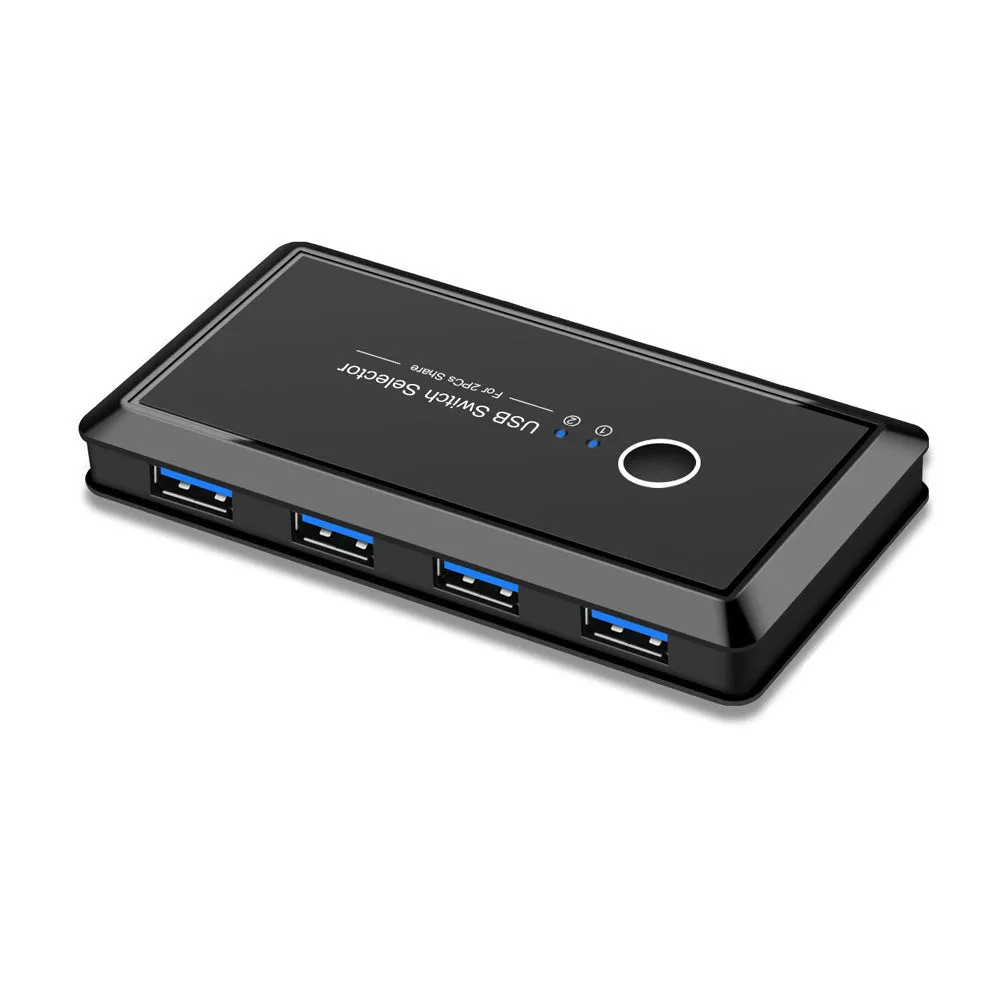
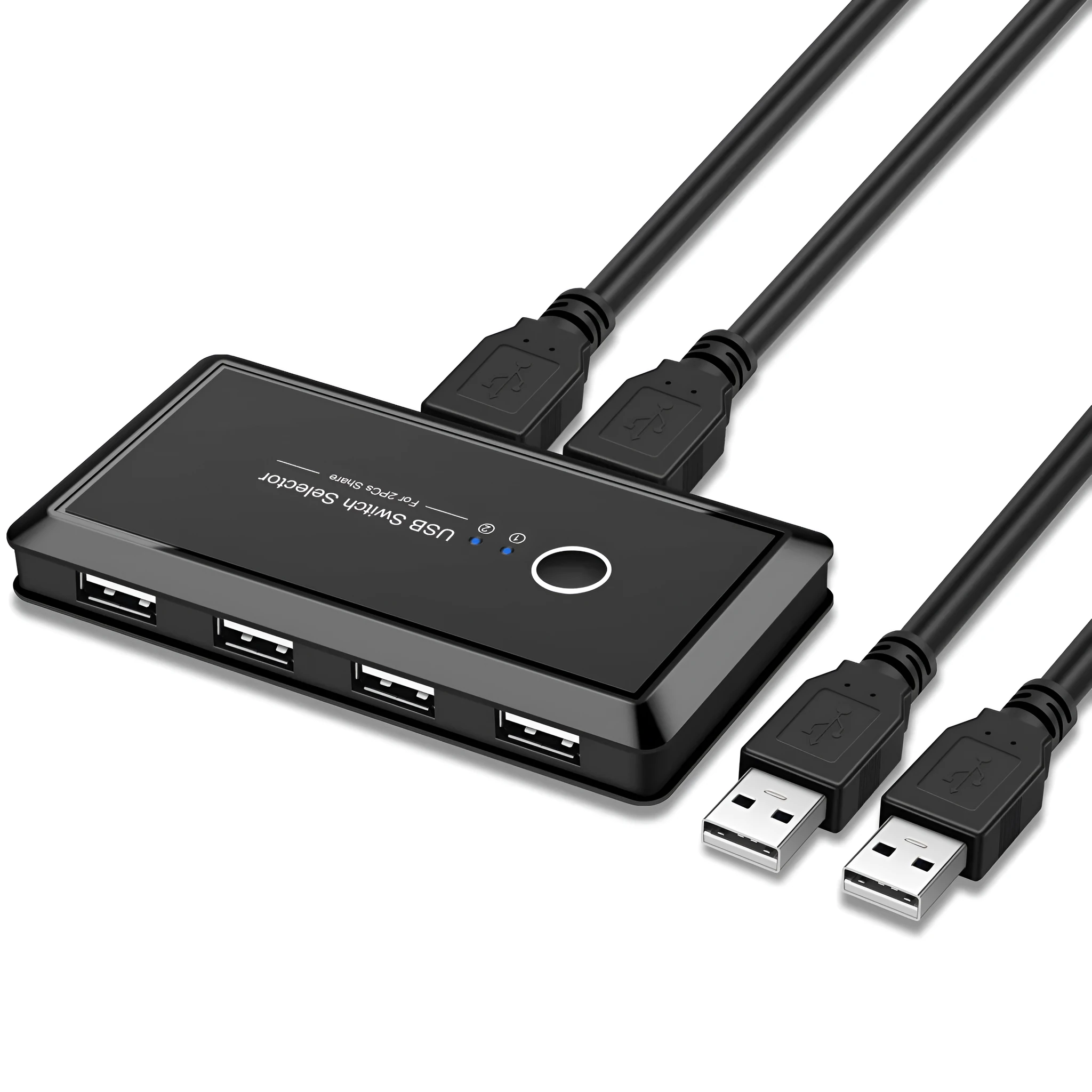
If you work with two computers and need to share a printer, USB flash drive, hard disk, or mouse without constantly unplugging cables, this USB multi-interface two-in four-out splitter provides a practical solution. It allows two computers to access a single USB device through a button-controlled switch, so you can copy files or print documents from either machine without wearing out ports. The splitter supports plug-and-play operation, meaning no software or driver installation is required on most systems. This makes it straightforward to set up and use in home offices, small businesses, or shared workstations where switching between computers is a daily task.
Features and Construction
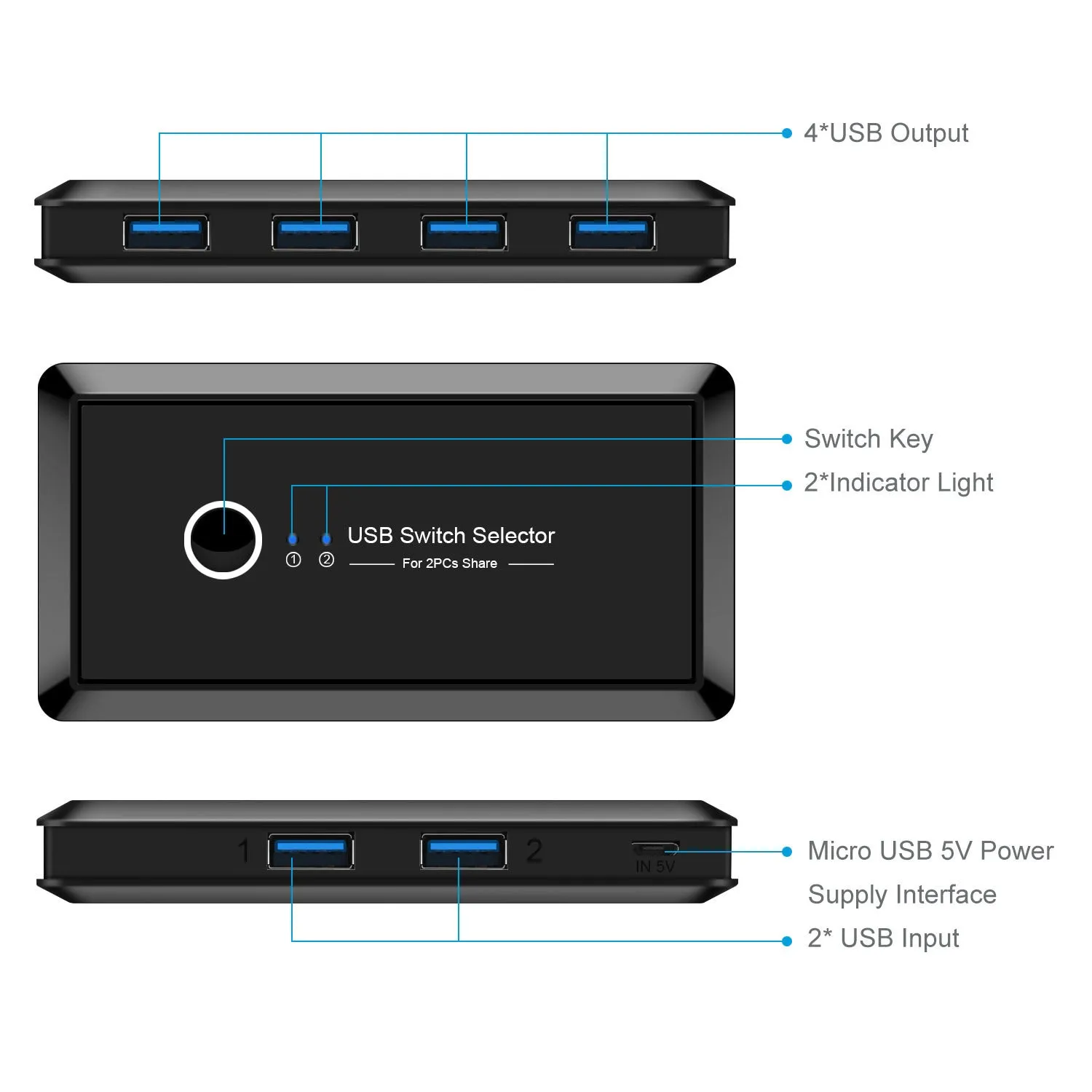
This splitter is built around a straightforward hardware switching design that prioritises reliability and ease of use. The following details cover its materials, interface, and physical attributes.
Material and Build
The housing is made from ABS plastic in a black finish, which provides a lightweight and durable enclosure for the internal electronics. A blue indicator light clearly shows when the splitter is powered and which computer port is active, helping you confirm the current connection status at a glance.
Interface and Speed
The external interface uses USB 3.0, supporting a transmission speed of 5Gbps. This allows for fast data transfers when moving files between a USB flash drive or external hard disk and your computer. The splitter is compatible with a wide range of USB devices including printers, USB flash drives, hard disks, and mice.
Switching and Compatibility
Switching between the two computers is done via a physical button, giving you direct control without needing to touch software settings. The splitter is multi-system compatible and works with Windows XP, Win7, Win8, Win8.1, Win10, Linux, and Mac operating systems, making it suitable for mixed-platform work environments.
Uses and Placement
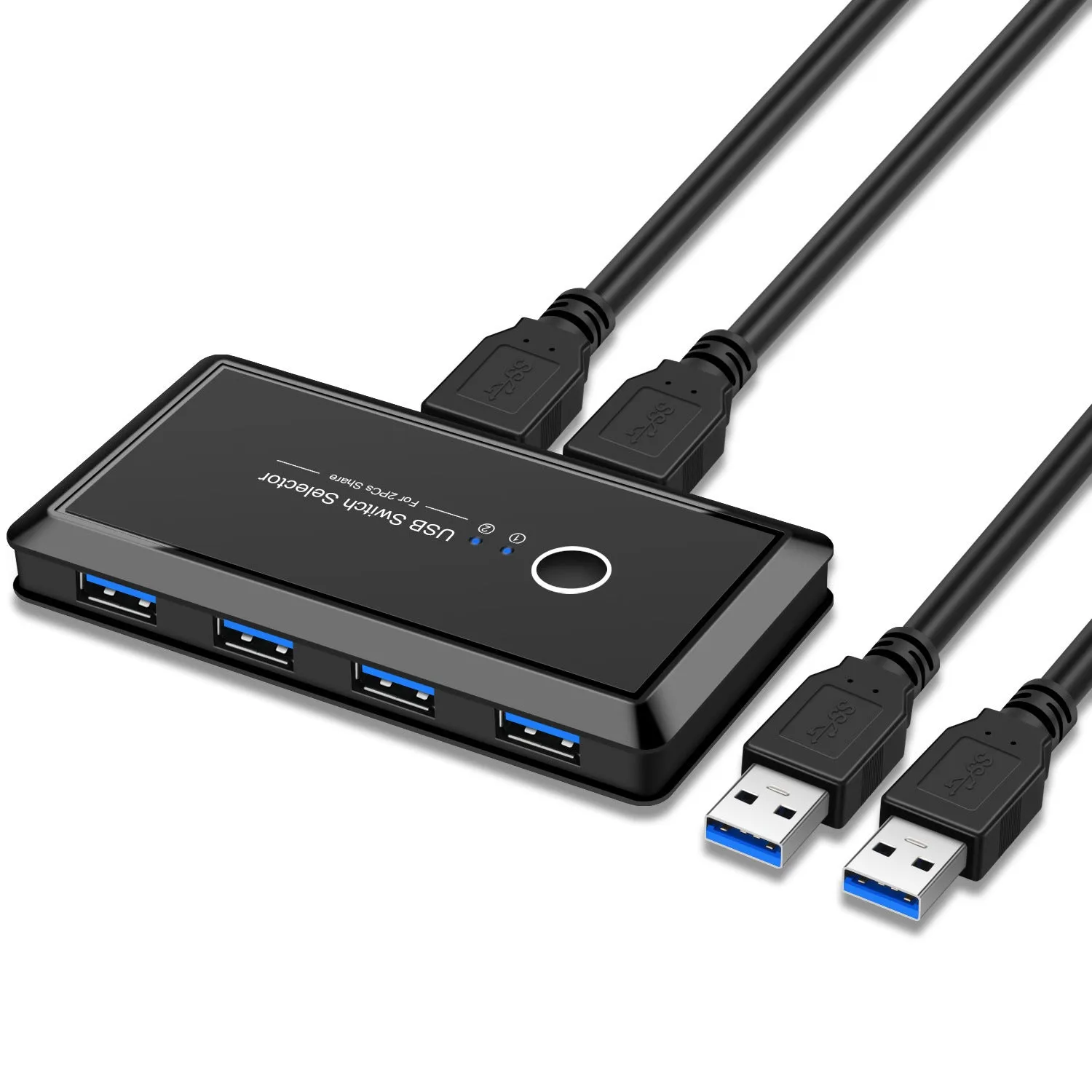
This splitter is designed for desk setups where two computers share a single USB peripheral. Its compact size and simple operation make it appropriate for various usage scenarios.
Office and Professional Use
In an office environment, the splitter allows two workstations to share a printer without running extra network cables or configuring print servers. Staff can switch between computers instantly, reducing downtime and simplifying daily printing tasks.
Home and Personal Use
At home, you can share a USB hard disk or flash drive between a desktop and a laptop, or between a personal computer and a work-issued machine. The button switching makes it easy to transfer files or use a single mouse across both systems.
Shared Workstations
For desk setups where multiple users need access to the same USB device, this splitter provides a straightforward hardware solution. No software configuration is needed, so it works immediately when plugged in.
Benefits and Buying Value
The main advantage of this splitter is eliminating the need to repeatedly plug and unplug USB devices, which can wear out ports and cables over time. It offers practical value for shared computing setups.
Reduced Port Wear
By keeping your USB device connected to the splitter at all times, you avoid repeatedly inserting and removing cables from your computers' USB ports. This helps extend the life of both the device connectors and your computer ports.
Simple and Reliable Operation
Plug-and-play compatibility means you do not need to install drivers or configure software. The physical button switching gives you direct control without navigating through operating system menus, making it a no-fuss addition to any desk.
Why Choose This Product
If you frequently switch between two computers and want a cost-effective, hardware-based way to share a single USB device, this splitter delivers a practical solution. Its USB 3.0 speed, wide OS compatibility, and straightforward button switching make it suitable for both home and office use.