X5PRO Smart Scanning Translation Pen with 35-inch Large Screen, ABS and Metal Button Construction, 147.5x48x13.5mm, Button Scan Touch Screen and Photo Translation, Black or White, International Edition


X5PRO Smart Scanning Translation Pen with 35-inch Large Screen, ABS and Metal Button Construction, 147.5x48x13.5mm, Button Scan Touch Screen and Photo Translation, Black or White, International Edition
X5PRO Smart Scanning Translation Pen with 35-inch Screen
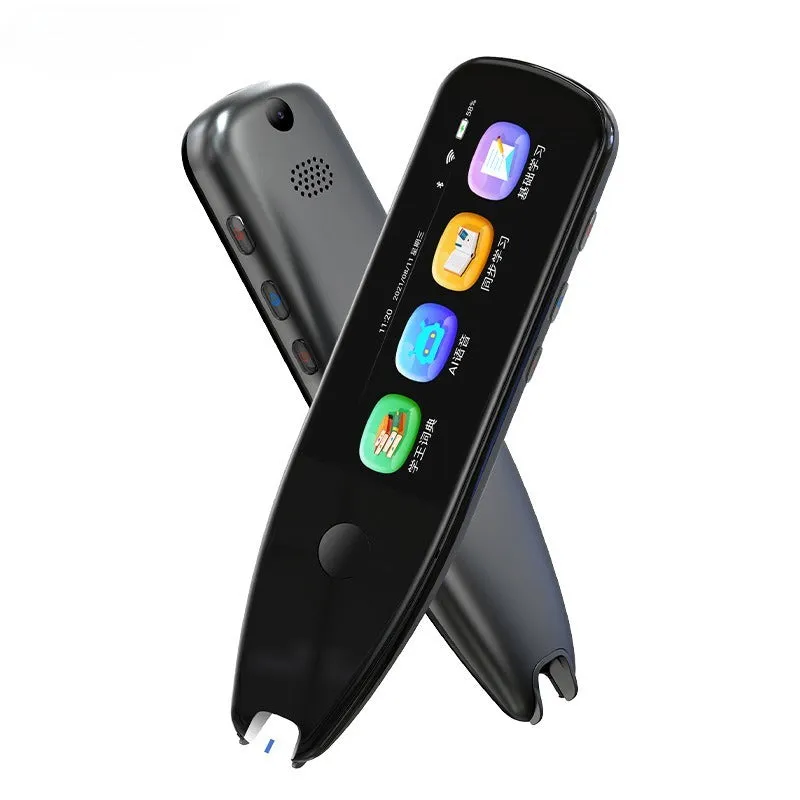
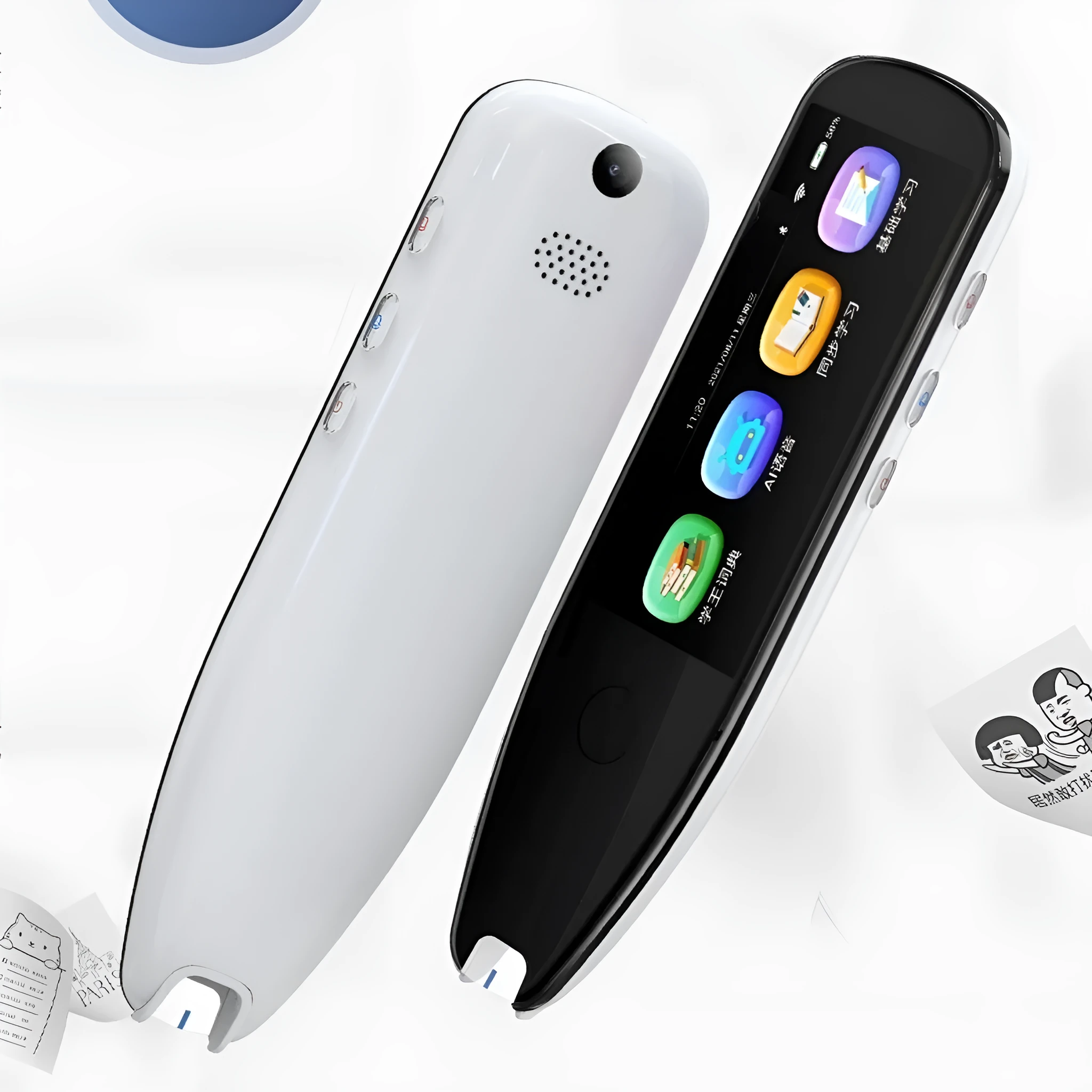
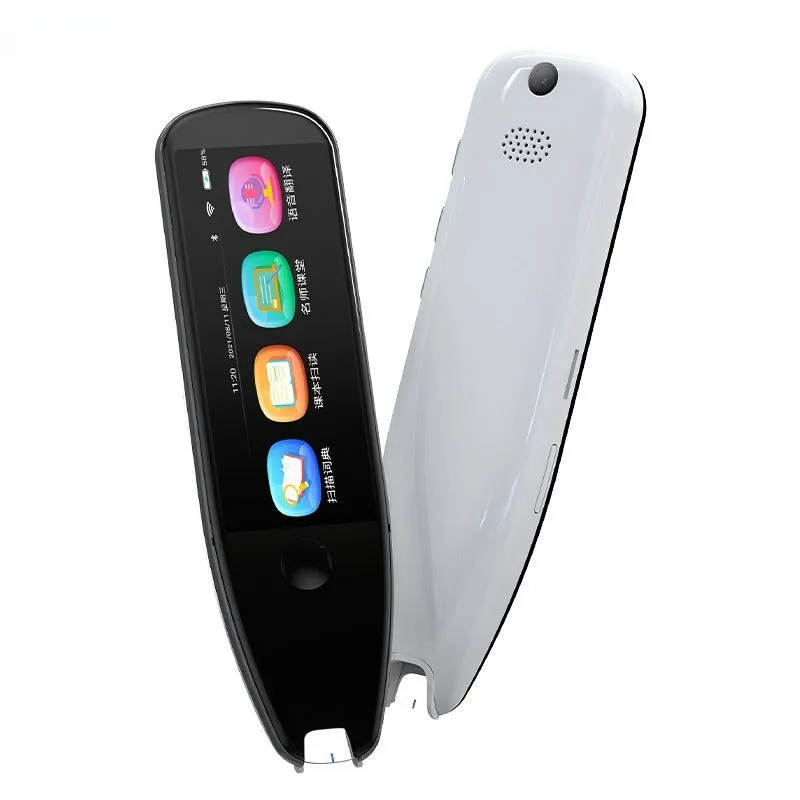
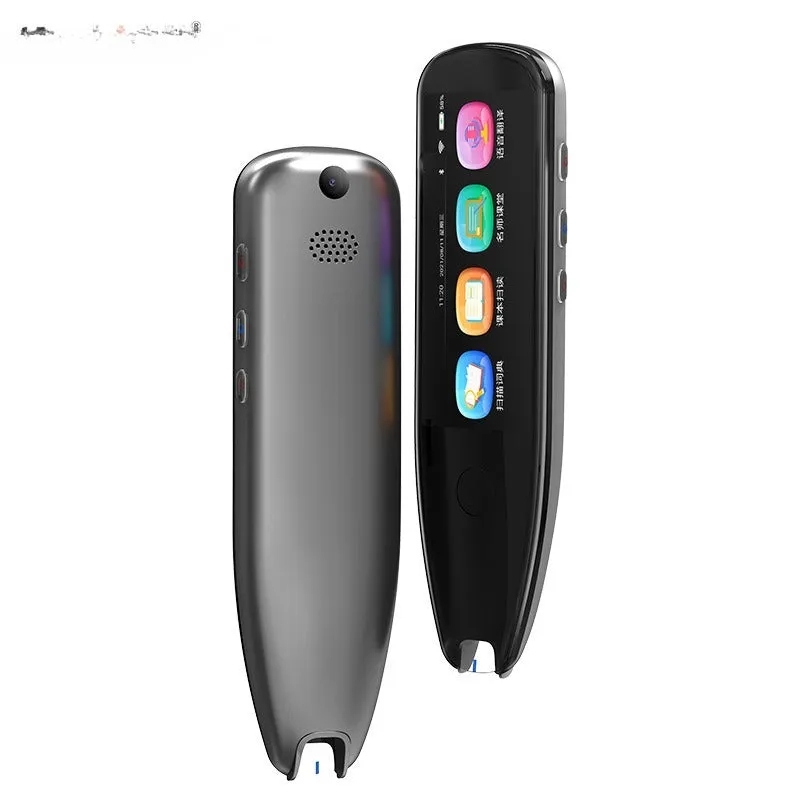
The X5PRO Smart Scanning Translation Pen is a handheld device built for capturing and translating text through multiple input methods. It combines a 35-inch large screen with button operation, scanning, touch screen control and photo capture. The pen measures 147.5x48x13.5mm and is made with an ABS body and a metal button. It is available in X5PRO Black or X5PRO White, and it uses an OEM processing method. The package includes the translation pen, a charging cable and a manual. This product is aimed at users who need a portable way to scan text, photograph content, upload text excerpts and translate photos. The source information does not state supported languages, battery capacity, charging time or translation accuracy, so this description stays within the confirmed details.
Features and Construction
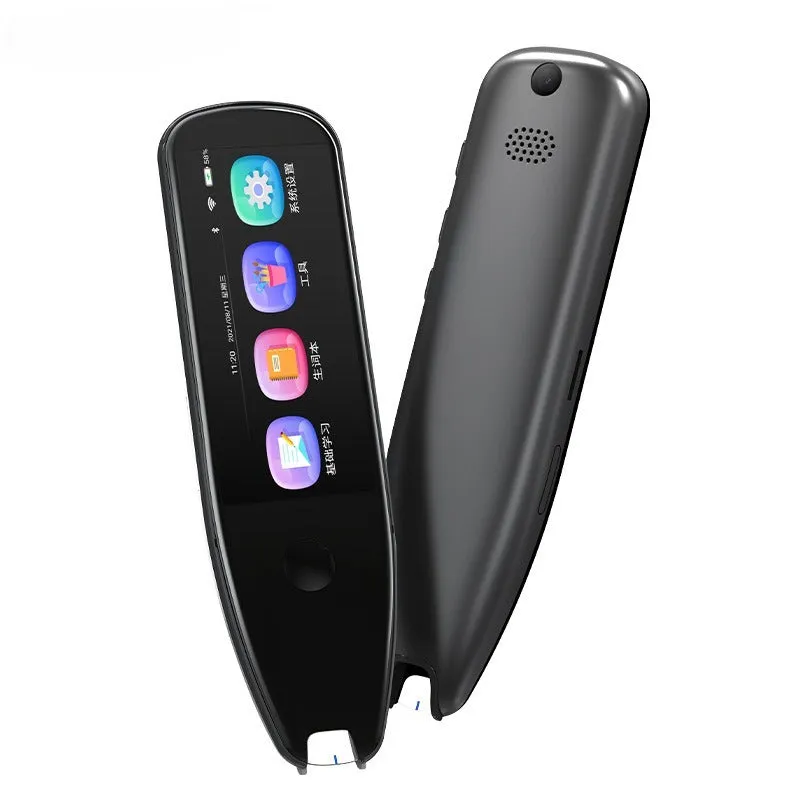
The X5PRO focuses on four ways to interact with text: button control, scanning, touch screen input and photo capture. Its construction uses common materials and a compact pen format, making it a practical handheld tool for text-related tasks.
Material and Build
The body is made from ABS, a widely used thermoplastic that keeps the device light enough to hold and carry. A metal button is fitted for the button operation mode, giving a distinct physical control alongside the touch screen. The mix of ABS and a metal button is a straightforward construction choice for a pen-style electronic device. No impact resistance, waterproof rating or drop protection is stated in the source text, so those claims are not made here.
Size and Practical Fit
The pen measures 147.5x48x13.5mm. That pen-like length and slim profile make it easy to keep on a desk, in a bag or in a pocket. The 35-inch large screen is the main viewing area for scanned text, photos and translation output. Because the exact screen resolution and weight are not provided, only the stated dimensions and screen size are listed. The International Edition specification means the product is intended for cross-border use.
Uses and Placement
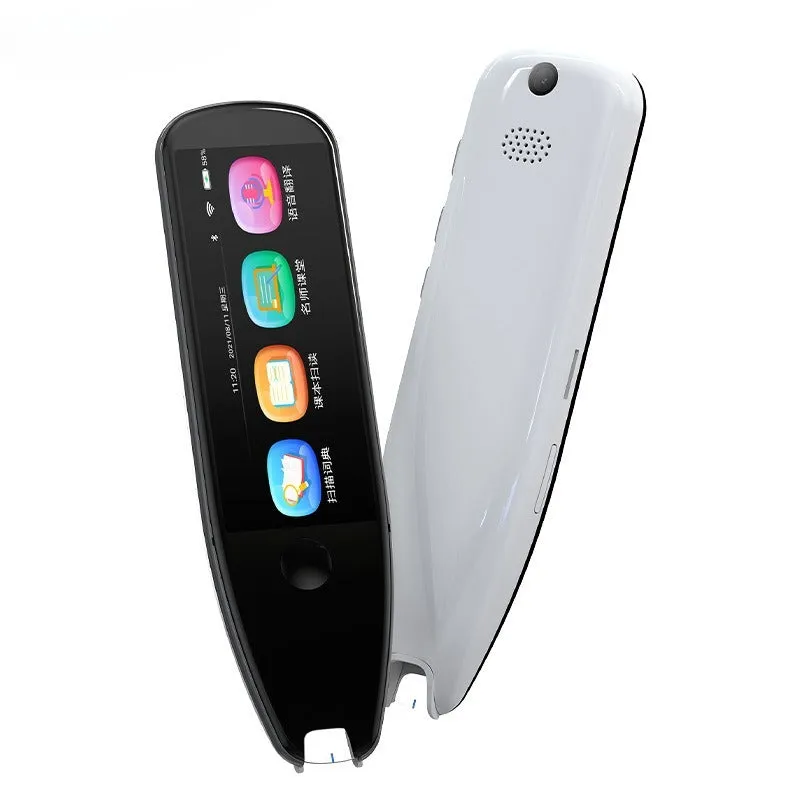
This translation pen is suited to situations where you need to capture printed or displayed text and work with it digitally. Its scanning and photo modes allow text excerpts to be uploaded and photos to be translated. It can be used in study, travel, office or customer-facing settings where quick text capture is useful.
Event or Professional Use
For professional or event environments, the pen can scan text and take photos of written material. The touch screen and button controls allow operation without needing a separate keyboard. The translation pen format is easy to pass between users or keep on a counter. The source text does not list specific language pairs, so it should not be assumed to support any particular language combination beyond what is stated.
Everyday Home Use
At home, the X5PRO can be used to scan text from books, labels, letters or printed documents and to photograph text for translation. The 35-inch screen provides a dedicated display for reviewing captured content. Its 147.5x48x13.5mm size means it can be stored in a drawer or carried in a bag. Charging is done with the included cable, and the manual provides the basic operating information supplied with the product.
Benefits and Buying Value
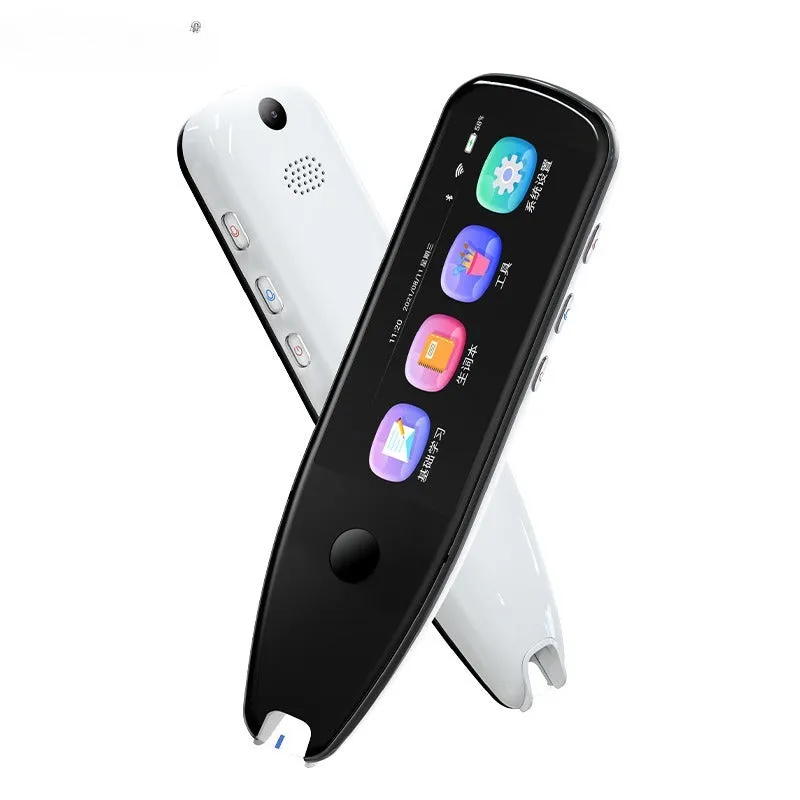
The main buying value comes from combining four input methods and a large screen in one pen-shaped device. It reduces the need to retype text manually by allowing scanning, photo capture and text excerpt upload. The package includes the essentials needed to start using it: the pen, a charging cable and a manual.
Reuse and Low Maintenance
The translation pen can be reused across different documents and settings rather than being limited to a single task. Routine care is simple: wipe the screen and body with a soft dry cloth and store the pen safely when not in use. The source text does not provide detailed maintenance schedules or battery lifespan, so no such claims are made. The supplied charging cable allows the device to be recharged as needed.
Why Choose This Product
Choose the X5PRO if you want a scanning translation pen with a 35-inch large screen, button operation, scan mode, touch screen control and photo translation. It is available in X5PRO Black or X5PRO White and uses an OEM processing method. The stated dimensions of 147.5x48x13.5mm and the ABS plus metal button construction are the key confirmed specifications. Any details not listed in the source, such as supported languages, battery life or translation accuracy, are left unstated to keep the description factual.